
Help Center
How can we help?
Short product guides for creating content, managing channels, and keeping publishing safe.
Watch tutorial
All guides
Official Mirr product guides13 / 13
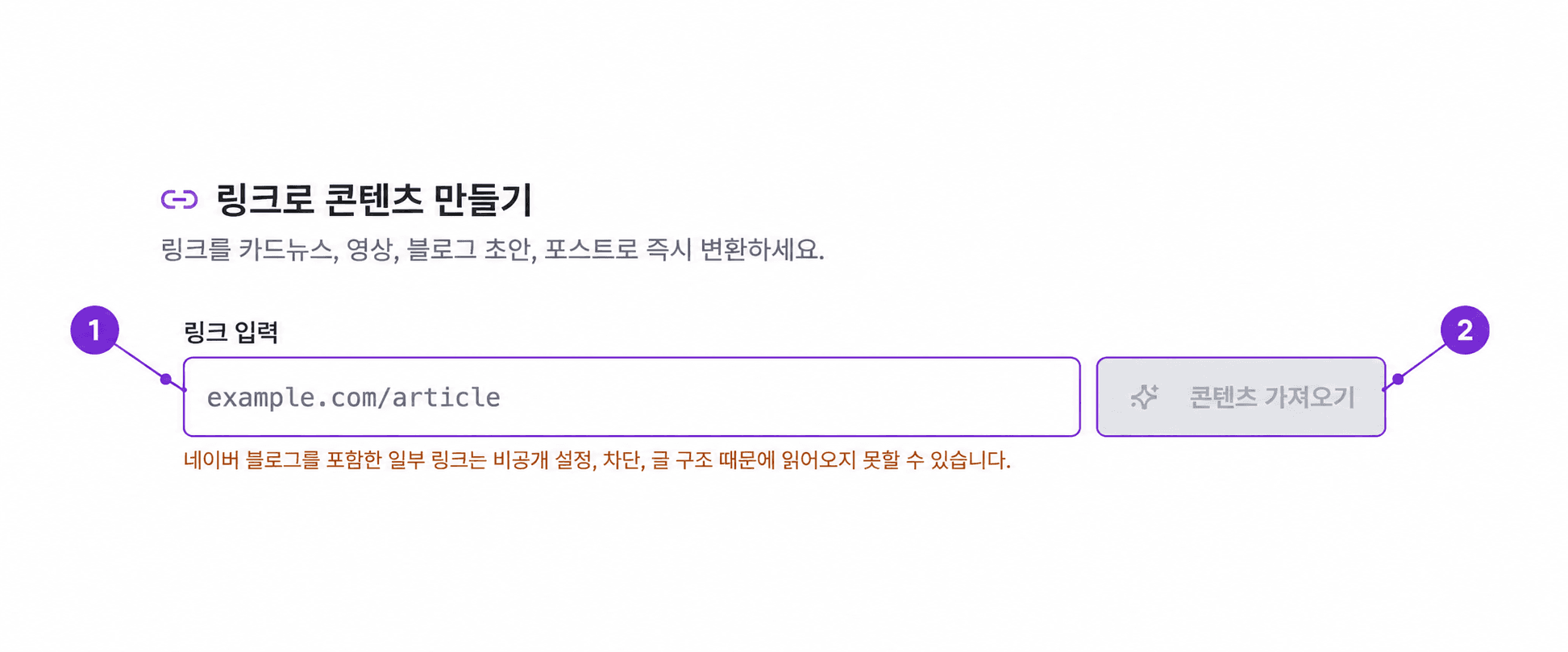
Turn one link into a carousel, video, blog, or post
Import text and images from a public URL and continue in the right content editor.
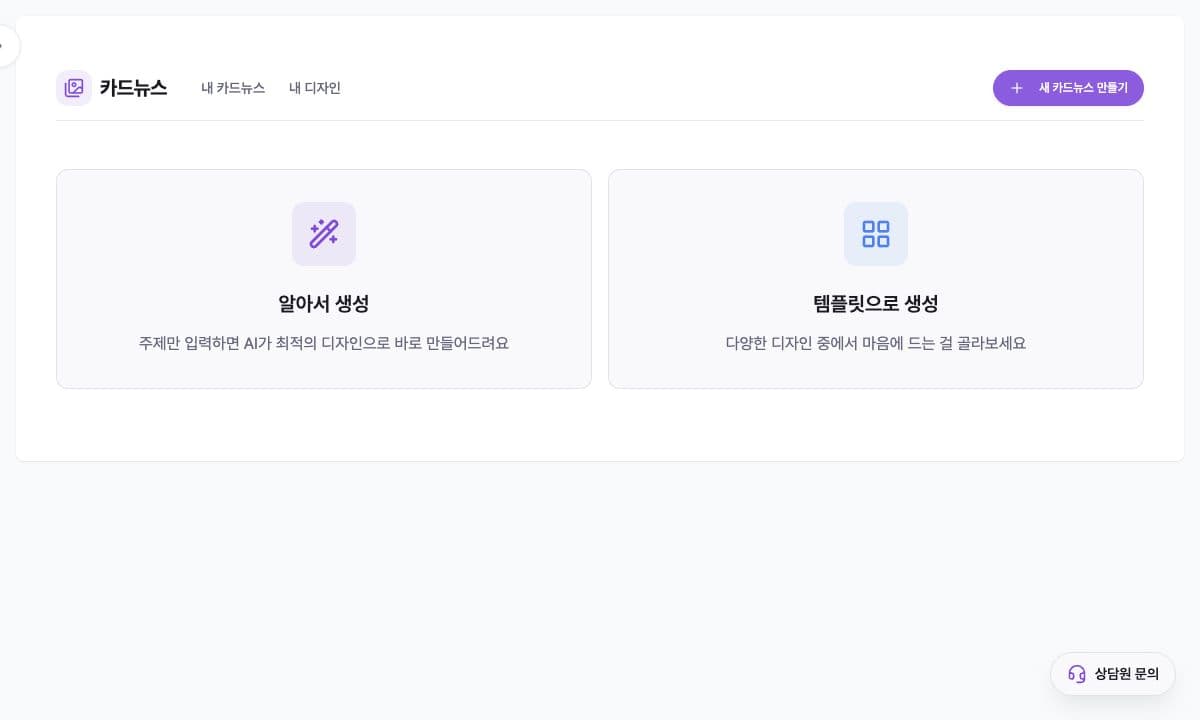
Create and edit an AI carousel
Create a carousel from a topic, draft, or link, edit each slide, then download it or continue to scheduling.
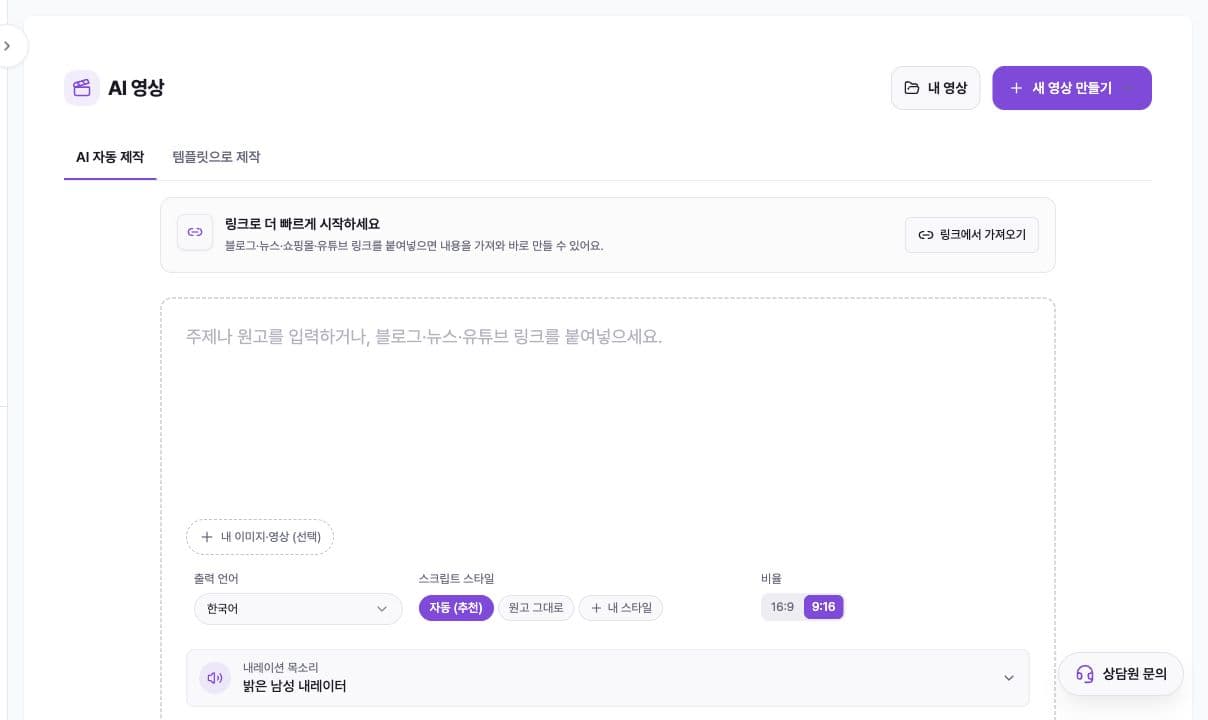
Create and edit an AI video
The complete workflow for turning a topic, script, or link into a video, editing scenes, captions, and style, then downloading it.
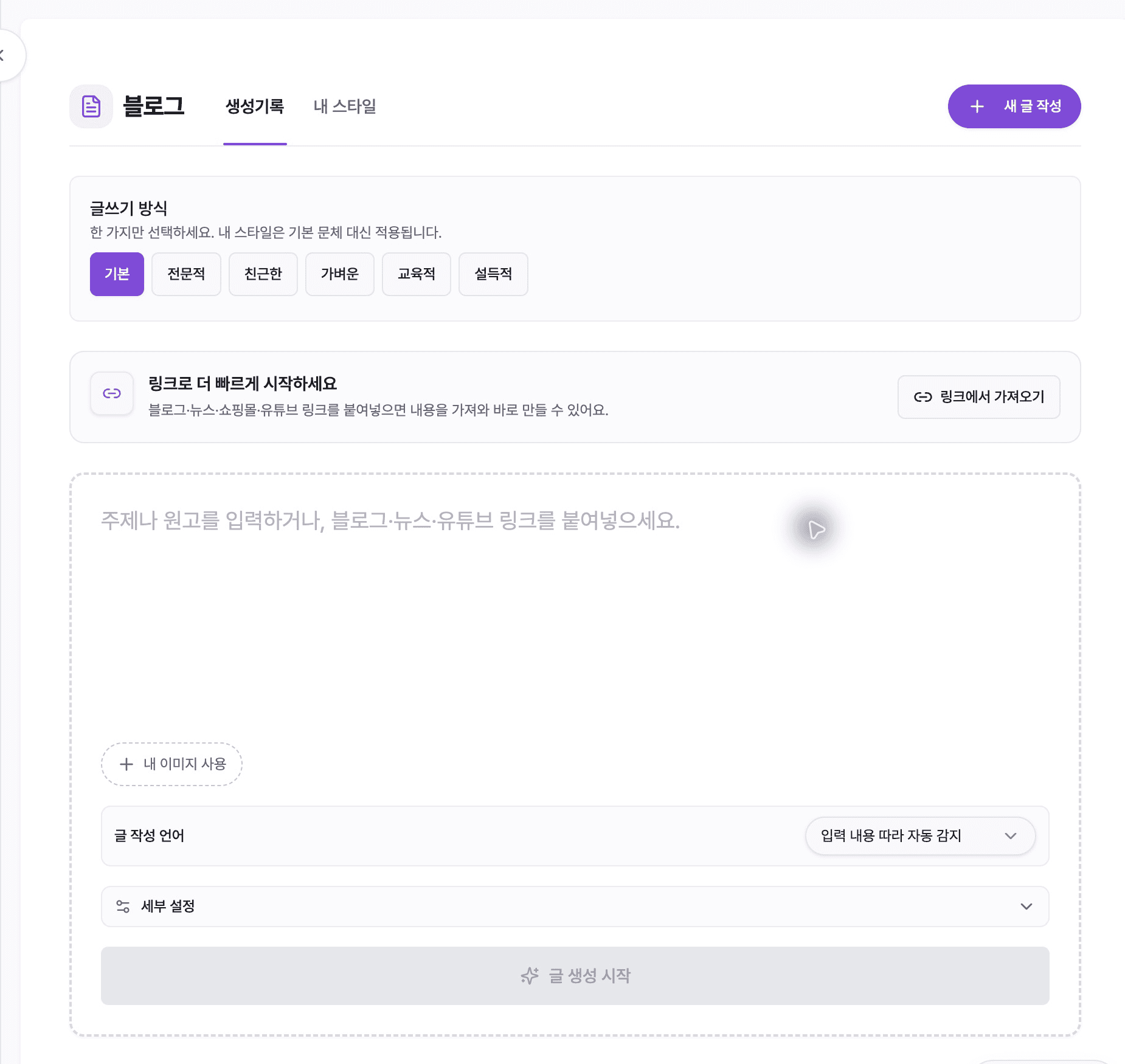
Create blog posts with AI
We will guide you through entering topics, links, and images and proceeding to ‘글 구성 검토’ (review article composition), editing, and ‘내보내기’ (export).
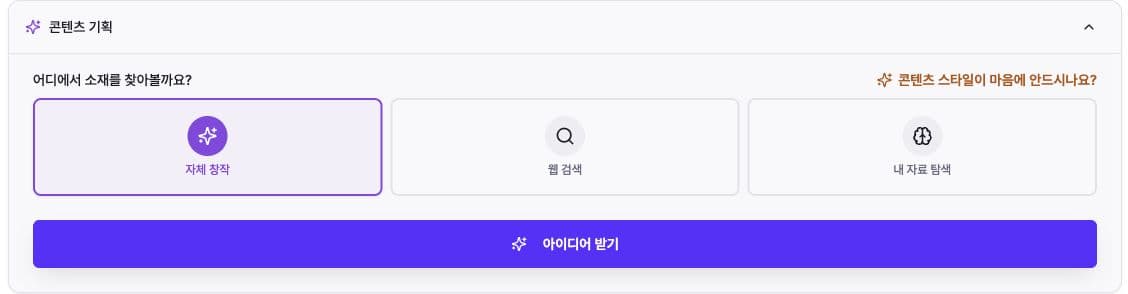
AI Content Planning Guide
Choose source material, set a direction, generate drafts, and continue into carousel, video, or text production

Set up and run content automations
Describe recurring content, review the plan and sample, then manage scheduling, results, and pauses.
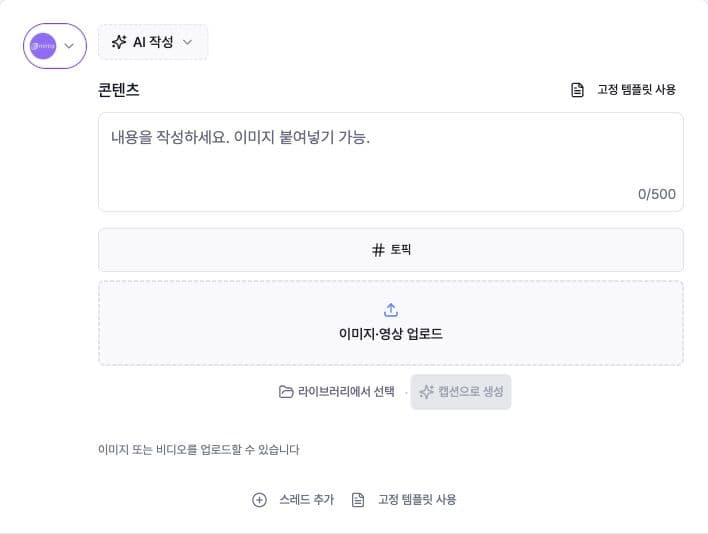
Write and schedule social content
Choose a connected account, add platform-ready copy and media, and schedule it with the correct timezone.
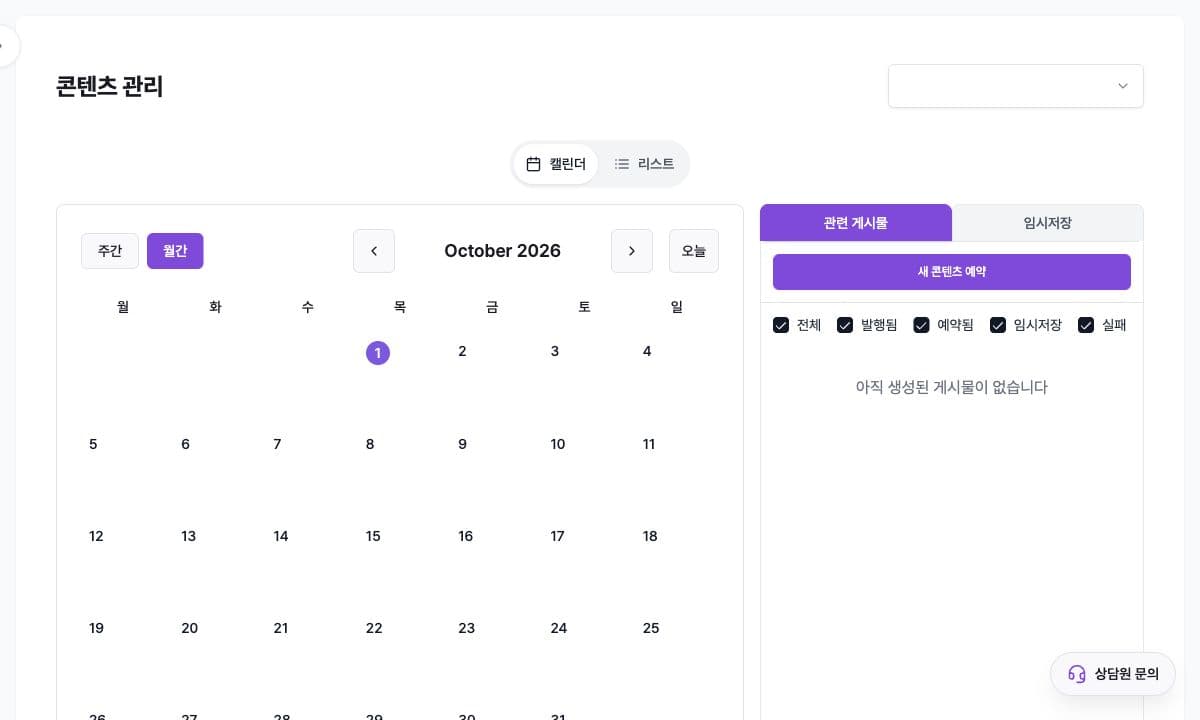
Check publishing status in Content Manager
Filter by account, date range, and status to review published, scheduled, draft, and failed content in calendar or list view.

Review content performance
Compare connected social accounts by date and account, then find strong content and publishing times.
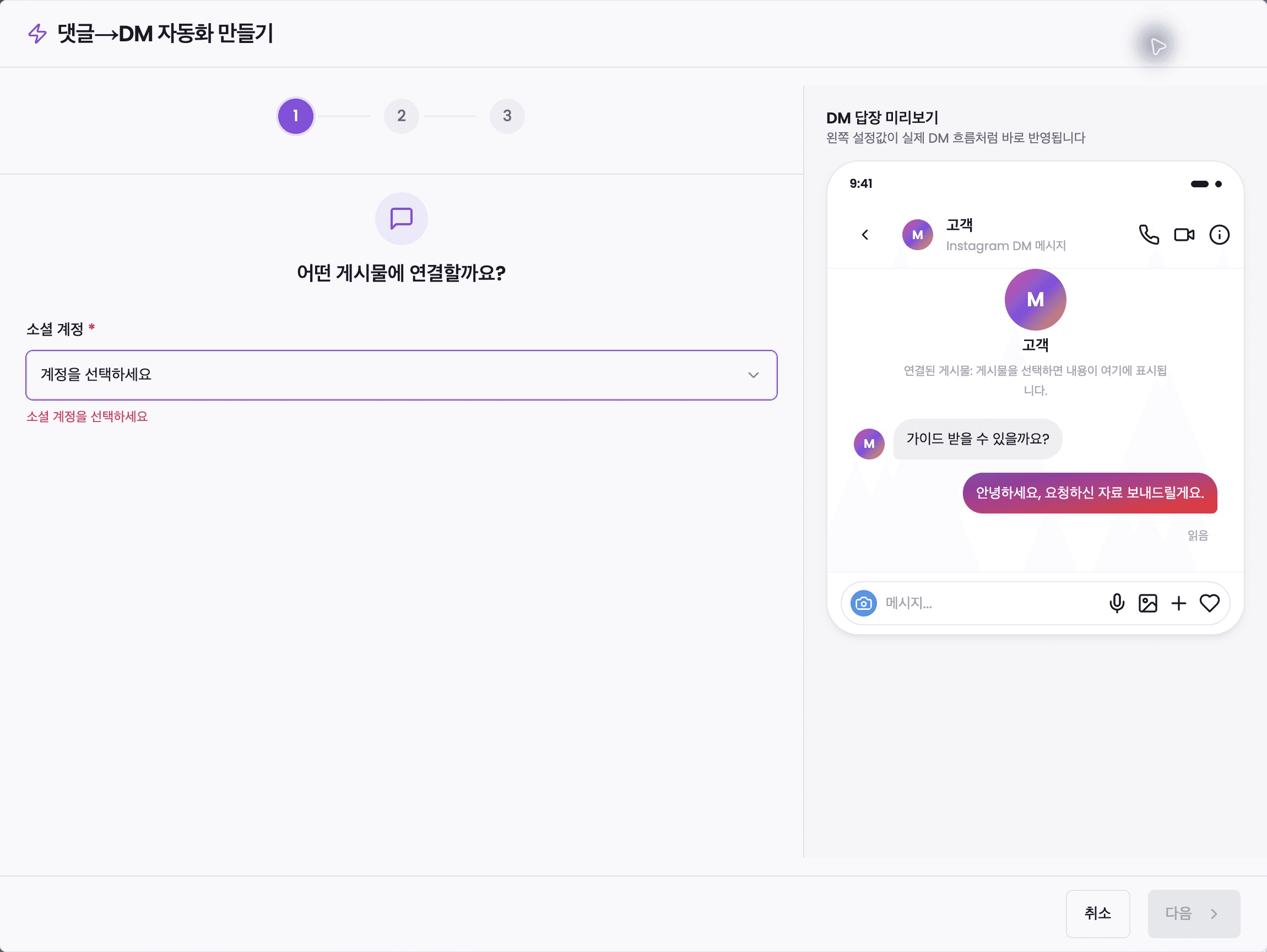
Send automatic DMs from comments
We guide you through setting up automatic DMs, from comment and keyword conditions to reply, activation, pause, and delivery confirmation.
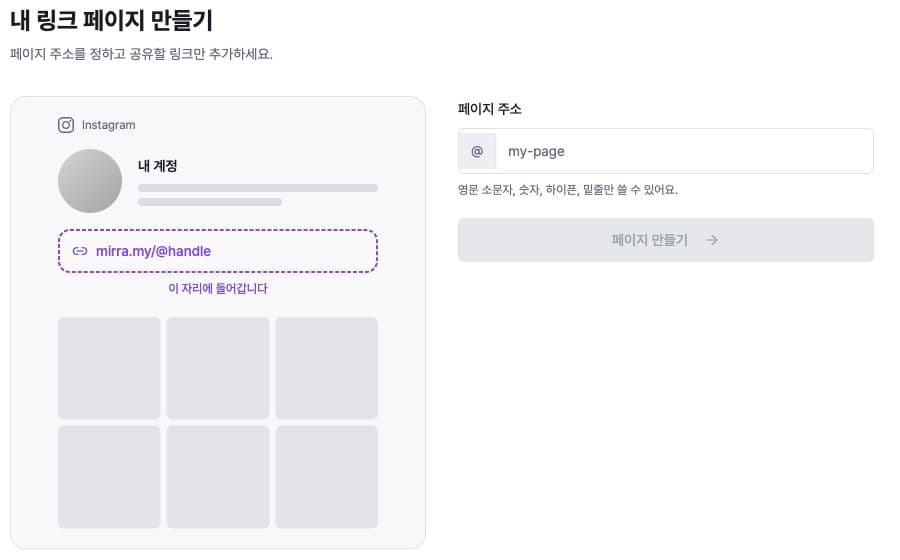
Link Page Guide
Collect your introduction and links at one address, design the page, publish and share it, and review performance
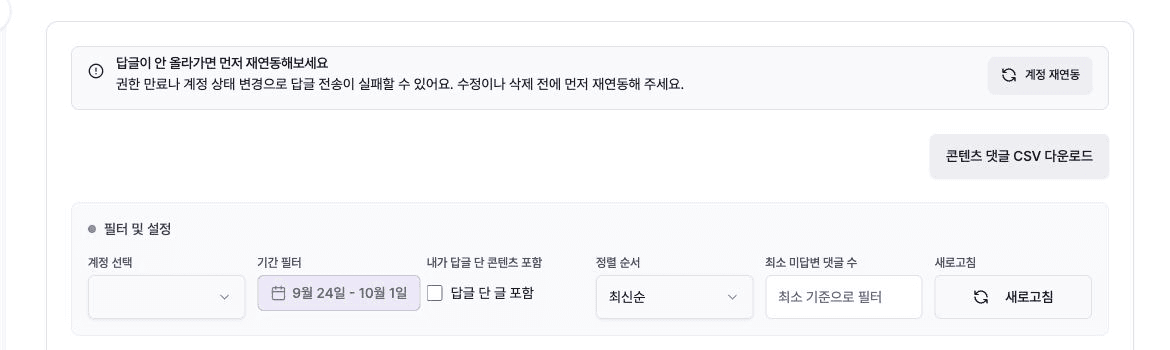
Review comments and send replies
Filter unanswered social comments, write or generate drafts, review them, and send replies safely.
![[MCP setup] Connect ChatGPT and Claude to Mirr](/_next/image?url=%2Fimages%2Fhelp%2Frefresh%2Fmcp-settings.jpg&w=3840&q=75)
[MCP setup] Connect ChatGPT and Claude to Mirr
Connect an AI app such as Claude to Mirr. Add the server address, sign in, and check your connected accounts.